Cleaning/Disinfection Logbook for CDO Offices: SOPs, Schedules & Forms

If you’re managing a small office, a cleaning and disinfection logbook is the simplest way to keep standards consistent—especially with Cagayan de Oro’s humidity, dust, rainy-season foot traffic, and the occasional brownout.
This guide gives you practical resources you can use right away: SOP templates, cleaning schedules, and printable forms (plus digital options) that work for typical CDO offices—BPO/admin teams, clinics, agencies, small warehouses with office space, and co-working-style setups. ✅
What a cleaning and disinfection logbook should include (so it actually helps) 🧾
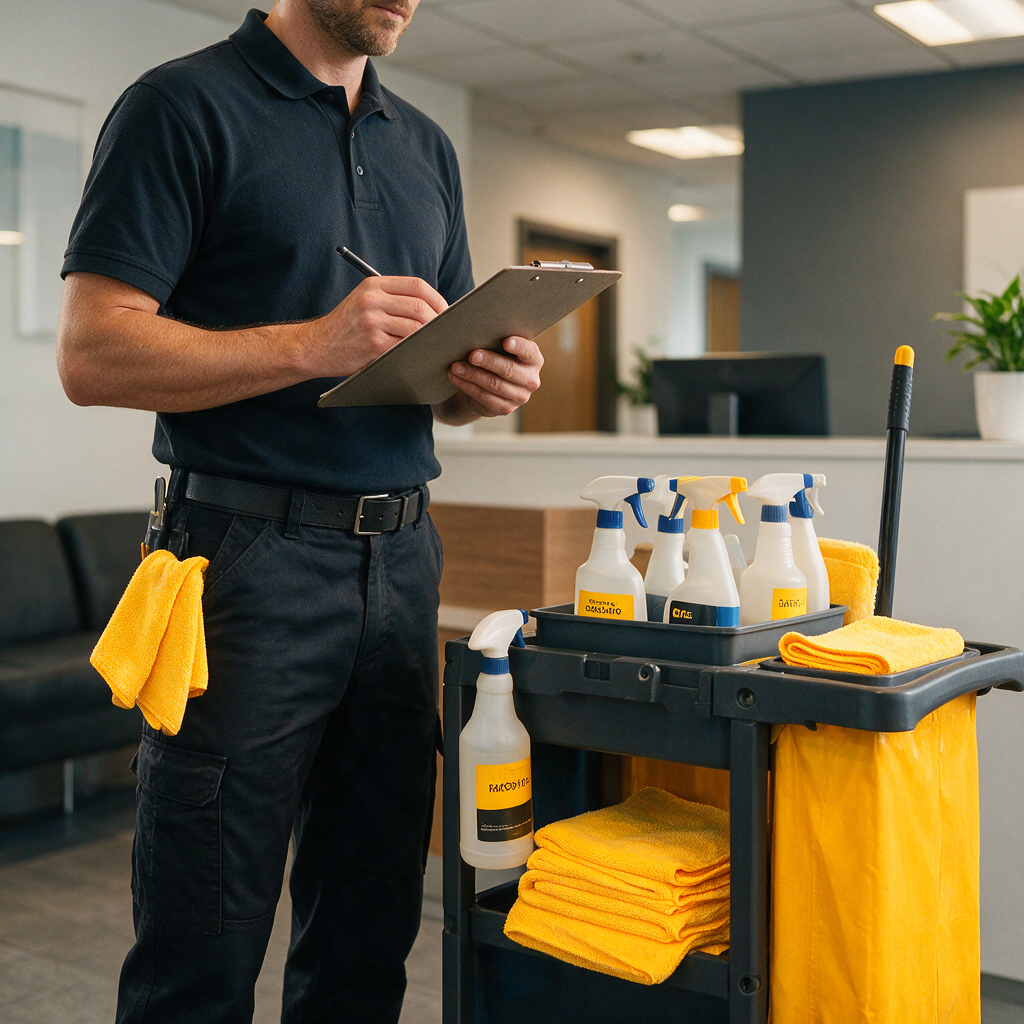
A logbook isn’t just “we cleaned today.” It should answer: what was cleaned, how, with what product, by whom, and when. If you ever need to review gaps (or train a new staff member), those details matter.
At minimum, include these fields:
- Area/room (reception, pantry, restroom, meeting room, workstations)
- Task type: cleaning (soil removal) vs disinfection (germ reduction)
- Surface/item (door handles, pantry counter, faucet, phone handset)
- Product used (brand + type), plus dilution if applicable
- Contact time (follow the label; don’t wipe too early)
- Tools used (microfiber, mop, disposable wipe)
- Time in / time out
- Performed by / checked by (two signatures reduces “nakalimutan”)
- Issues found (leaks, pests, clogged drains, moldy odor)
- Corrective action (re-cleaned, escalated to maintenance, replaced supplies)
A good rule: if someone else can’t repeat the task using your logbook, the log is too vague.
External tools you can use for logbooks (printable + digital) 📋
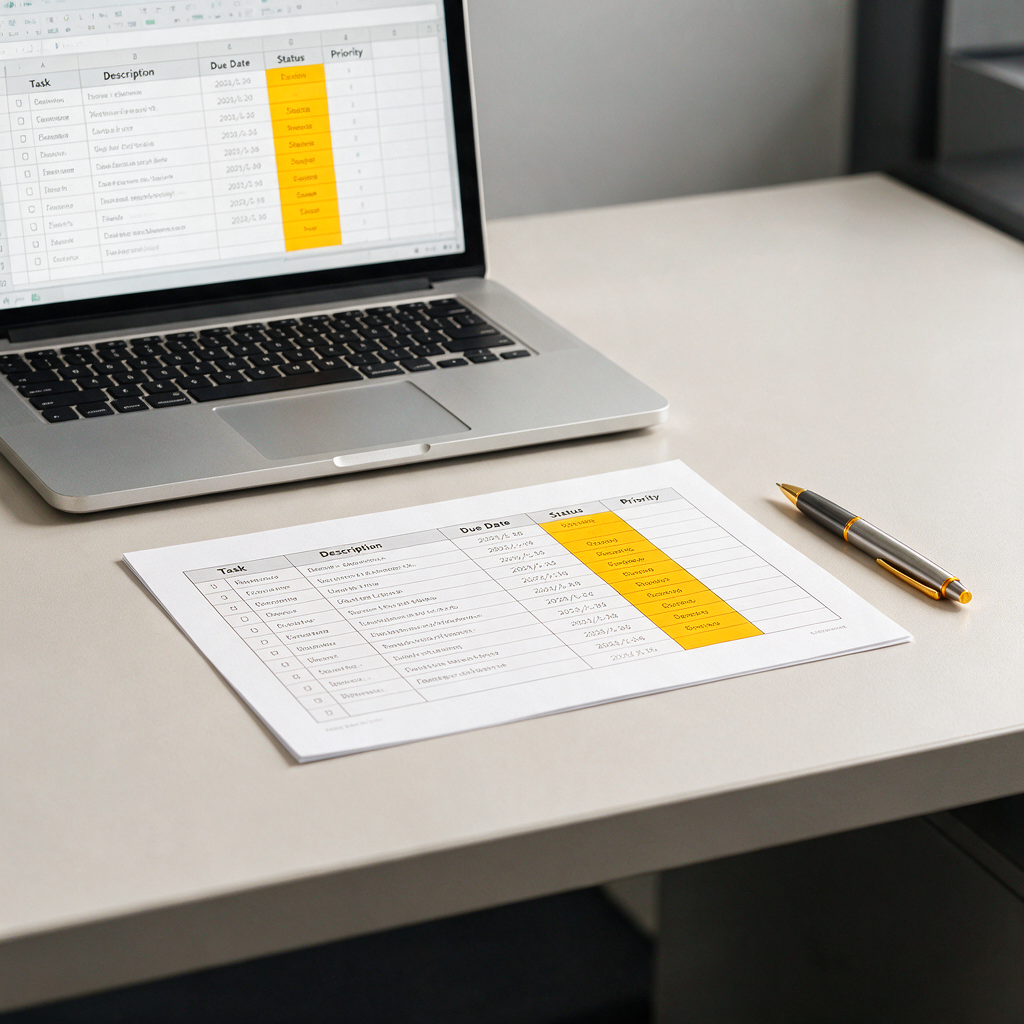
You can run your logbook on paper, on a shared tablet, or as a QR check-in. Here are dependable tools that small offices in the Philippines commonly use.
Quick comparison: which logbook format fits your office?
| Option | Best for | Pros | Trade-offs | Where to get it |
|---|---|---|---|---|
| Google Sheets | 3–30 staff, simple tracking | Free, easy sharing, searchable history | Needs basic discipline; can get messy without a template | Google Sheets |
| Microsoft Excel + OneDrive | Offices already on MS 365 | Strong formatting + access control | Slightly more setup | Microsoft Excel |
| Airtable | More structured tracking | Cleaner database feel, attachments/photos | Free tier limits; setup time | Airtable |
| Notion | “All-in-one” operations hub | SOPs + logbooks + training in one place | Can be overkill if you only need a log | Notion |
| Jotform / Google Forms | QR-based submissions | Simple “submit and timestamp,” easy phone use | Reporting depends on form setup | Google Forms / Jotform |
| Printable binder (paper) | No devices on site | No tech issues, easy for cleaners | Harder to audit trends; pages get lost | Use the printable forms below |
Simple “start today” setup (Google Sheets + QR)
- Make 1 master sheet with tabs: Daily, Weekly, Monthly, Restroom, Pantry, Supply Tracker
- Put a QR code in the pantry and restroom that links to a Google Form for quick sign-off
- Assign a checker (admin or office manager) for end-of-day verification
If you already have cleaning support, keep it simple: one logbook that your team will actually fill out beats a fancy system nobody uses.
SOP templates you can copy (small-office friendly) 🧼
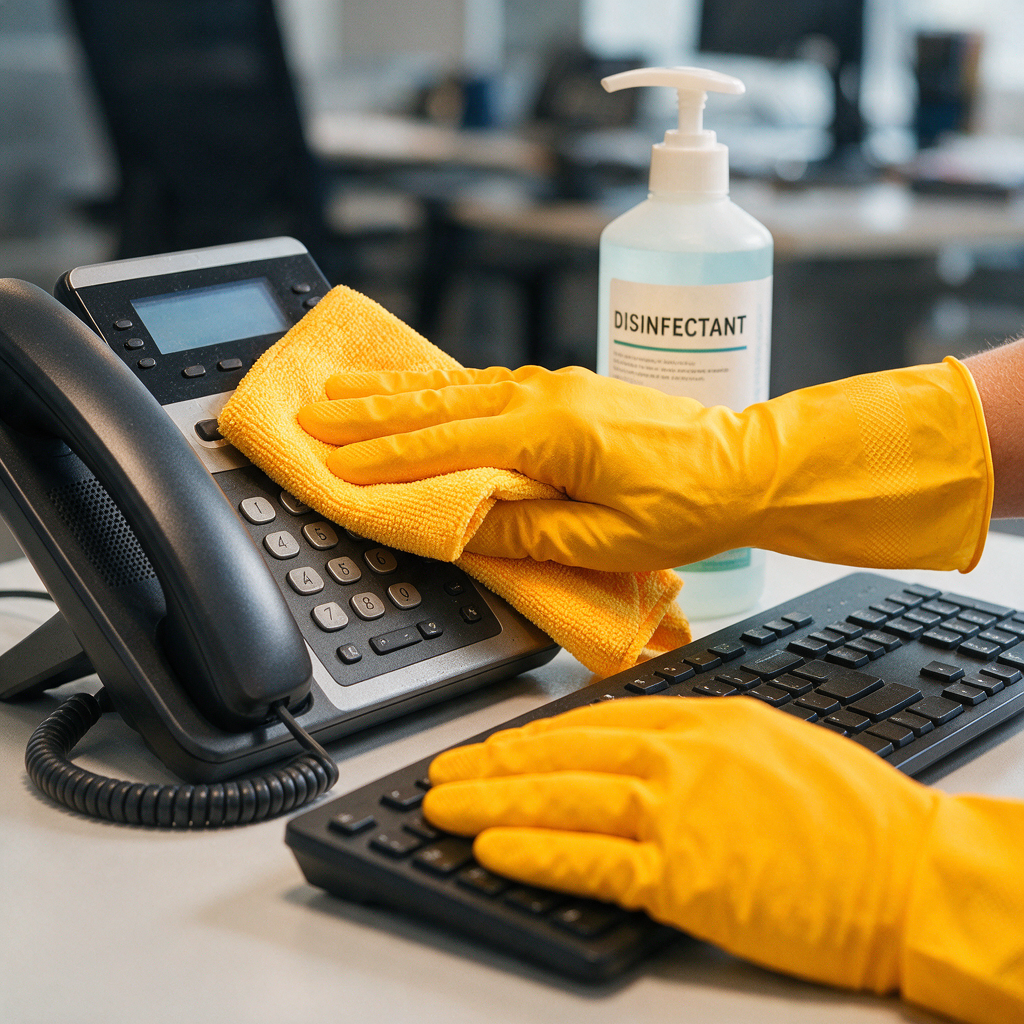
SOPs (standard operating procedures) remove guesswork. In offices, problems usually happen because:
- the wrong product is used on the wrong surface (damaged finish)
- disinfectant is wiped too soon (no proper dwell time)
- cross-contamination (same cloth for restroom and pantry)
Below are SOP templates you can paste into a document, print, and keep in your cleaning binder.
SOP 1: High-touch points (everyday disinfection)
Scope: door handles, light switches, elevator buttons, pantry handles, faucet handles, shared phones
- Prepare PPE: gloves; add mask if using strong chemicals or if the area is poorly ventilated.
- Clean first: wipe visible soil using a damp microfiber + mild cleaner.
- Disinfect: apply disinfectant per label instructions.
- Respect contact time: do not wipe dry immediately unless the product label allows it.
- Air-dry and allow the surface to be usable again.
- Log it: area, time, product, staff initials.
Decision rule: if it’s touched by many hands per day, it goes on the high-touch SOP.
SOP 2: Restroom cleaning + disinfection (prevent odor and buildup)
Scope: toilet, urinal (if any), sink, faucet, mirror edges, floor around toilet, door handle
- Work clean-to-dirty and top-to-bottom.
- Use separate color-coded cloths (e.g., red for restroom only).
- Flush handles and door locks are easy to miss—include them.
Minimum logbook fields for restroom: supplies checked (soap, tissue), odor noted (Y/N), leak noted (Y/N).
SOP 3: Pantry + shared eating area (food-safe habits)
Scope: counters, microwave handle/buttons, refrigerator handle, water dispenser exterior, sink, tables
- Remove crumbs and spills before disinfecting.
- For food-contact areas, use products appropriate for that purpose and follow label directions.
- Include trash segregation + bin cleaning (bins can smell fast in humid weather).
If your office uses a dispenser daily, you’ll also want a periodic deeper clean. You can pair this with the steps in our guide: Water dispenser cleaning guide.
SOP 4: Electronics and shared office devices (no-damage)
Keyboards, mice, headsets, and touchscreens need a gentle approach.
- Power down if possible.
- Use minimal moisture; never spray directly on devices.
- Use microfiber and appropriate wipes.
For a device-specific checklist that avoids damage, use this as your add-on SOP: Shared office device hygiene in Cagayan de Oro.
Cleaning schedules for small offices in Cagayan de Oro (daily/weekly/monthly) 📅
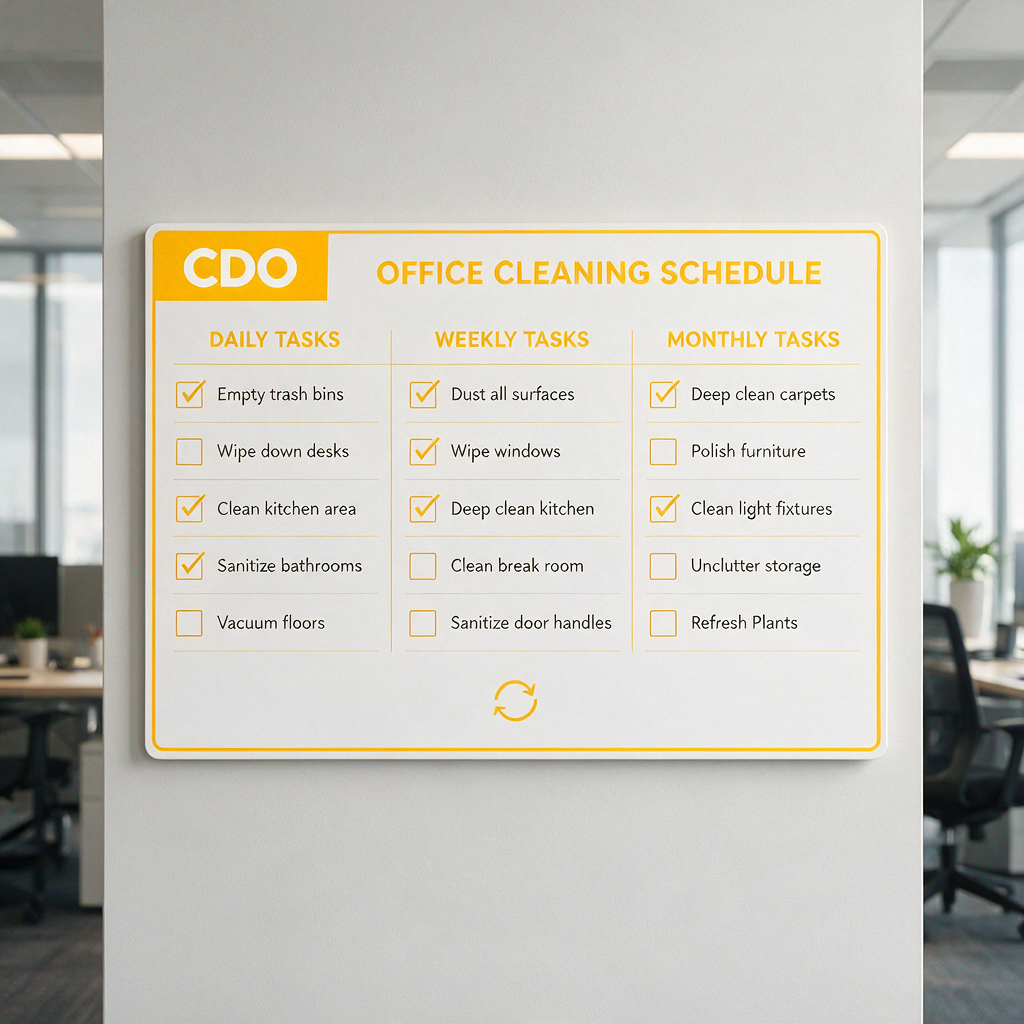
A schedule should match how your office is used. A 10-person admin office with client walk-ins needs different frequency than a back-office team with minimal foot traffic.
Use this baseline schedule, then adjust:
Baseline schedule template (print this as your master)
| Area/Item | Daily | 2–3x/week | Weekly | Monthly |
|---|---|---|---|---|
| Reception counter + door handles | ✅ | |||
| Workstations (desk tops, shared areas) | ✅ (shared) | ✅ (assigned) | ||
| Pantry counters + sink | ✅ | |||
| Microwave exterior + buttons | ✅ | |||
| Water dispenser exterior | ✅ | |||
| Restroom full clean + disinfection | ✅ | |||
| Trash bins (wipe + deodorize) | ✅ | |||
| Floors (vacuum/sweep + mop) | ✅ (high traffic) | ✅ (low traffic) | ||
| Glass doors/partitions (fingerprints) | ✅ | |||
| High vents/fans (dusting) | ✅ | |||
| Deep edge/detail (corners, behind bins) | ✅ | |||
| Upholstery spot check (sofas/chairs) | ✅ | |||
| Carpet extraction / deep clean | ✅ (as needed) |
CDO-specific adjustments (practical, not fancy)
- Rainy season: increase entryway floor checks; mop more often to avoid slippery tiles. If you’re getting muddy footprints daily, add a mid-day floor pass.
- Humid areas (restrooms/pantry): watch for musty odor and slippery floor film; that usually means you need better rinsing and more frequent floor attention.
- Brownouts: if air circulation stops, odor and moisture build faster. After power returns, do a quick check of restrooms, pantry bins, and any damp floor zones.
If your entryway gets soaked, improve the first 2–3 steps inside the door. Our local guide helps you choose setups that are easy to maintain: Best entryway mats and shoe storage for rainy season in Cagayan de Oro.
Printable logbook forms (copy/paste and print) 🖨️
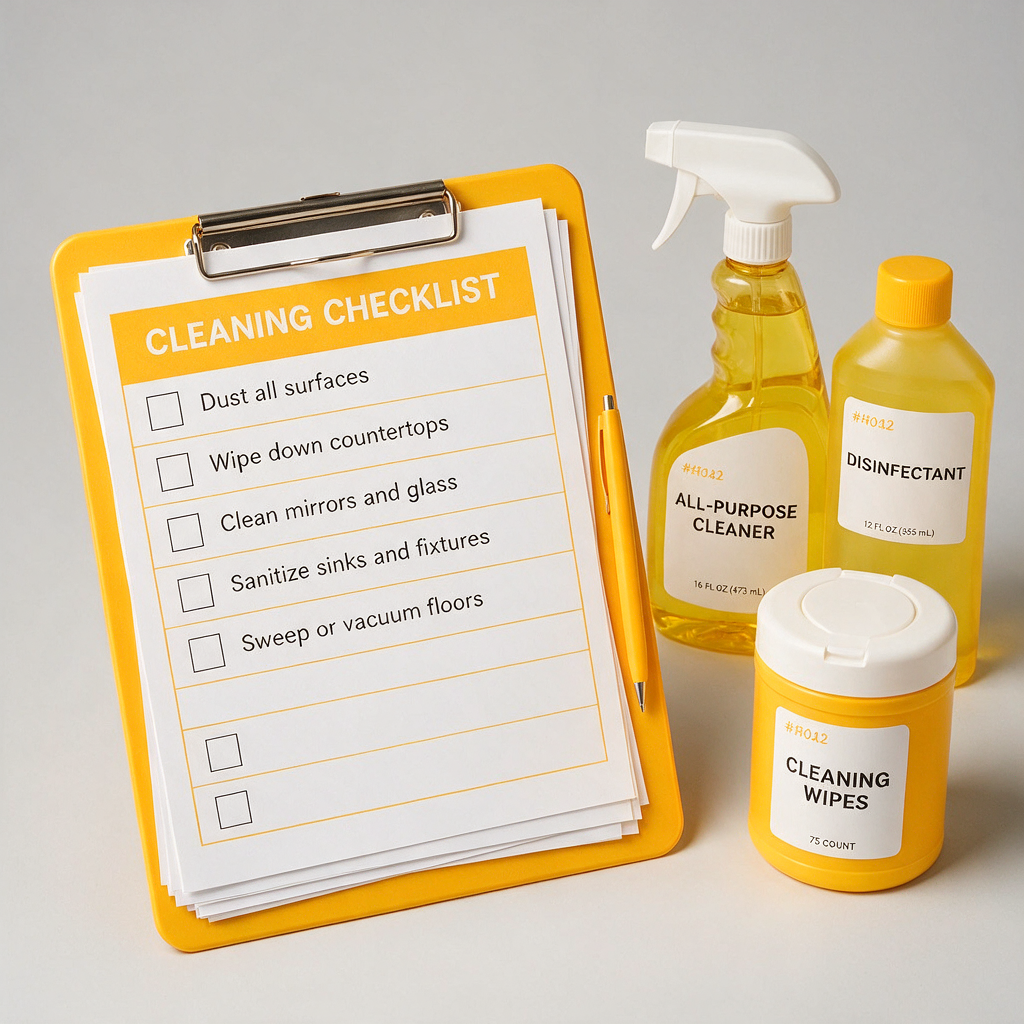
These are designed to print on A4 and keep in a binder. If you want a cleaner look, paste them into Google Docs/Word and add your logo.
1) Daily cleaning + disinfection log (general)
| Date | Area | Task (Clean/Disinfect) | Product | Contact time (per label) | Time | Done by | Checked by | Remarks |
|---|---|---|---|---|---|---|---|---|
2) Restroom checklist (fast but complete)
| Date | Soap | Tissue | Trash emptied | Sink + faucet disinfected | Toilet/urinal disinfected | Mirror edges wiped | Floor mopped | Odor OK (Y/N) | Done by |
|---|---|---|---|---|---|---|---|---|---|
| ☐ | ☐ | ☐ | ☐ | ☐ | ☐ | ☐ | |||
| ☐ | ☐ | ☐ | ☐ | ☐ | ☐ | ☐ |
3) Pantry checklist (food-area routine)
| Date | Counters wiped | Sink cleaned | Microwave exterior | Ref handle | Tables wiped | Trash managed | Pest signs (Y/N) | Done by |
|---|---|---|---|---|---|---|---|---|
| ☐ | ☐ | ☐ | ☐ | ☐ | ☐ | |||
| ☐ | ☐ | ☐ | ☐ | ☐ | ☐ |
4) Supply tracker (so you don’t run out mid-week)
| Item | Minimum stock | Current stock | Reorder needed (Y/N) | Requested by | Date requested | Received (date) |
|---|---|---|---|---|---|---|
| Hand soap | ||||||
| Tissue | ||||||
| Trash bags | ||||||
| Disinfectant | ||||||
| Microfiber cloths |
5) Corrective action / incident report (for recurring issues)
| Date | Area | Issue found (odor, leak, pests, stains) | Immediate action taken | Who informed | Follow-up needed | Closed date |
|---|---|---|---|---|---|---|
Decision rule: if the same issue appears 2–3 times in a month, it’s no longer “cleaning”—it’s a process or maintenance problem. Track it and fix the source.
External printable templates you can download (and customize) 🔗
If you prefer pre-designed forms, these tools let you create clean printouts quickly:
- Canva checklist templates for visually clear daily/weekly checklists (easy to add your logo)
- Smartsheet cleaning checklist templates for structured office cleaning lists (good starting point)
- SafetyCulture inspection checklists if you want mobile inspections with photo proof (useful for multi-site offices)
If you want a no-fuss local setup, start with the printable tables above, then move to Google Forms once your team is consistent.
How to implement your logbook without turning it into paperwork 😅
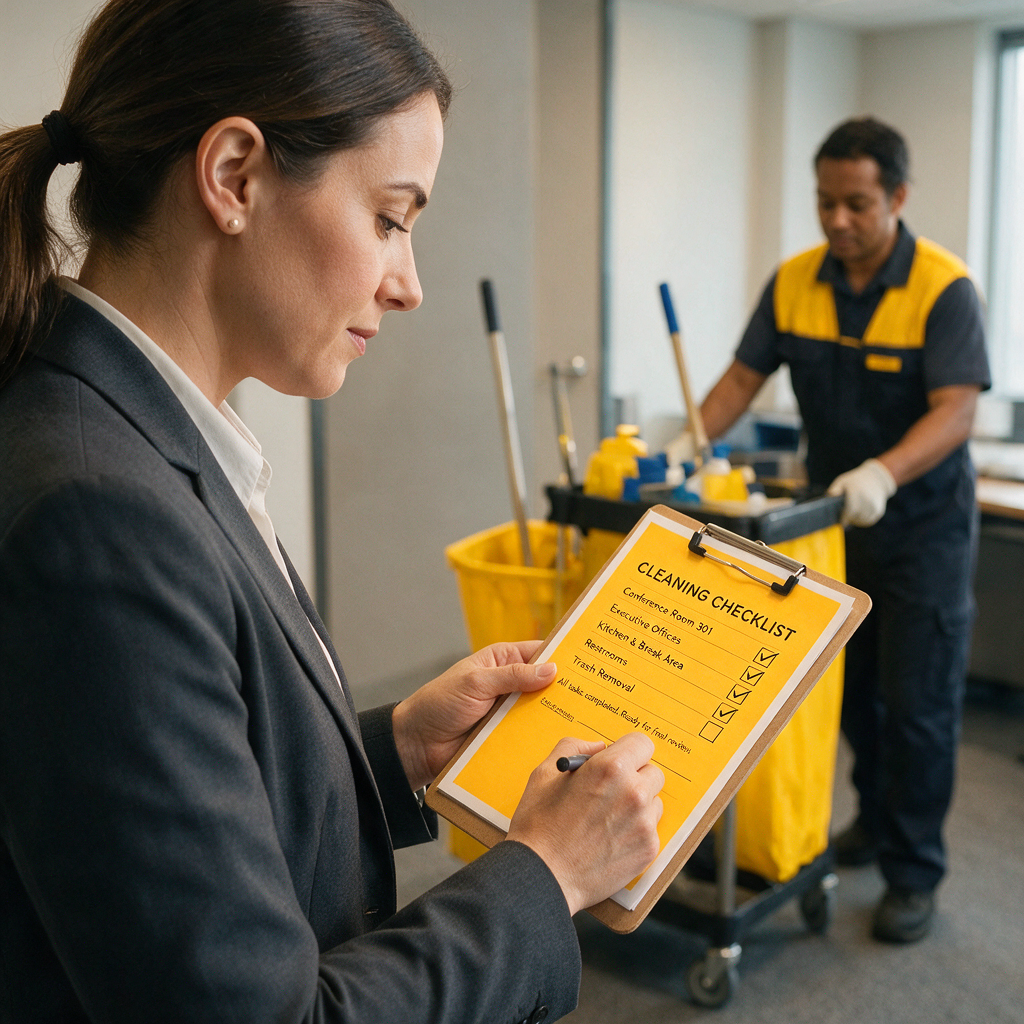
A logbook only works if it’s easy to complete and easy to check.
Use this simple workflow:
- Assign a doer and a checker. The checker can be admin, receptionist, or supervisor.
- Limit signatures. One line per area per shift is enough for most small offices.
- Keep products consistent. Fewer products = fewer mistakes (and fewer “halo-halo” chemical mixes).
- Use color-coded cloths. One for restrooms, one for pantry, one for general areas.
- Do a weekly 10-minute audit. Look for blanks, repeated “odor” notes, or missed days.
Decision rule: if your team keeps skipping logs, shorten the form first before adding more rules.
When it’s smarter to bring in a professional cleaning team (and what to book) 🧽
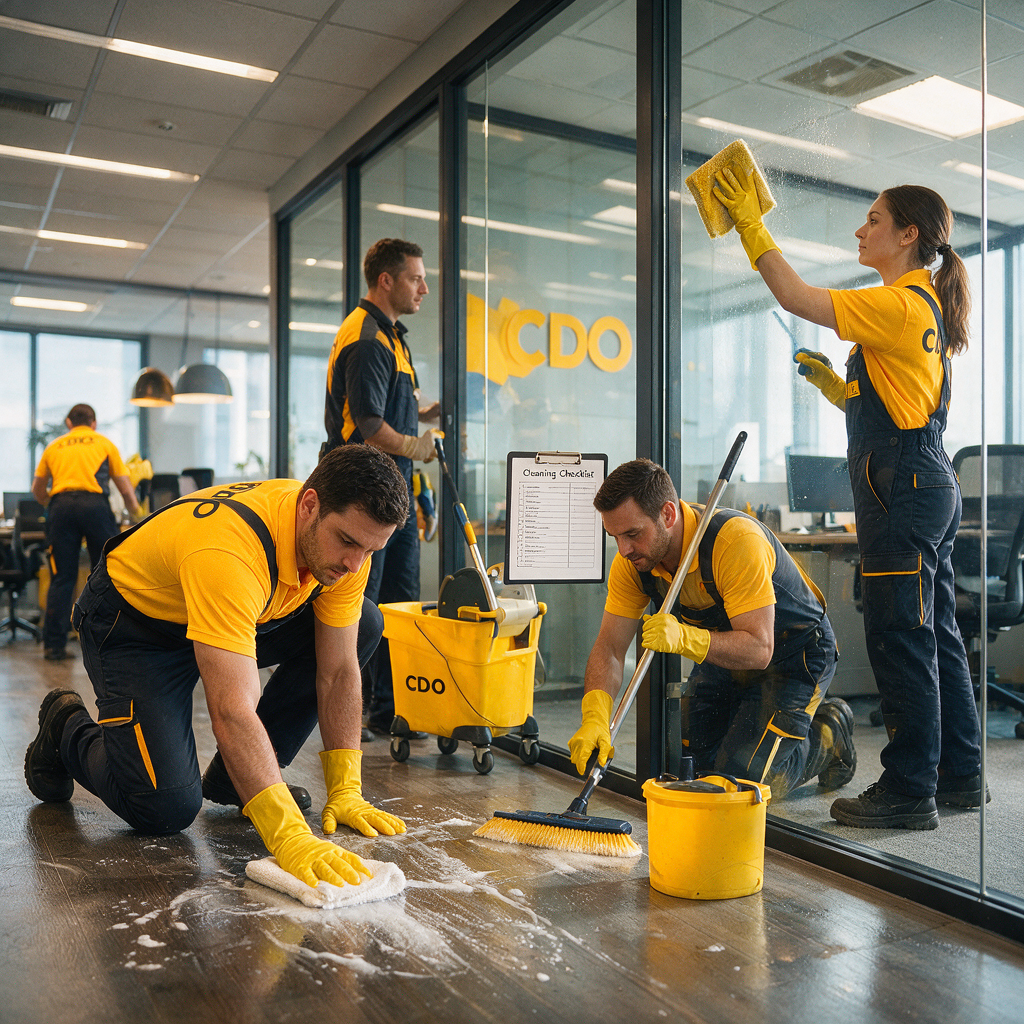
Daily upkeep can be handled in-house, but some jobs are hard to do well without the right tools.
Consider outsourcing if you’re dealing with:
- Carpet deep cleaning (stains, allergens, “amoy kulob” after rainy weeks)
- Sofa/upholstery cleaning for reception seating and staff lounge areas
- Floor restoration when tiles or vinyl look dull even after mopping
- Post-renovation or post-construction dust that keeps coming back
PrimeShineCDO Cleaning Services supports offices in Cagayan de Oro with checklists, punctual crews, and detail-focused work. If you want help setting up a repeatable routine, you can start here: View PrimeShineCDO services. For scheduling and site assessment, use the quick form here: Contact PrimeShineCDO.
Quick start: build your CDO office logbook in 30 minutes ✅
- Pick your format: print binder or Google Sheets + QR
- Copy the Daily Log, Restroom, and Pantry forms above
- Set your daily schedule (morning + end-of-day is usually enough)
- Assign doer/checker roles
- Review after 1 week and adjust frequency based on real foot traffic
If you want more office-specific cleaning routines you can plug into your SOP binder, browse the latest guides here: PrimeShineCDO Cleaning Blog.